RSS Frequently Asked Questions And Feed Submission Tips
Have questions about RSS - Really Simple Syndication? RSS is a quarter-century-old publishing pipeline that makes your content widely retrievable across the internet. You setup RSS Feed, submit it to destinations once to get listed in their directories and feed readers - then every new piece of web content or podcast episode you publish can automatically get exposure, crawlability, reach, backlinks, and ranking power for your site.
RSS.COM - An Easy To Use Podcasting Host Site
Launch Your Own Podcast On RSS.COM For Free
Get Your Pod!
#Ad
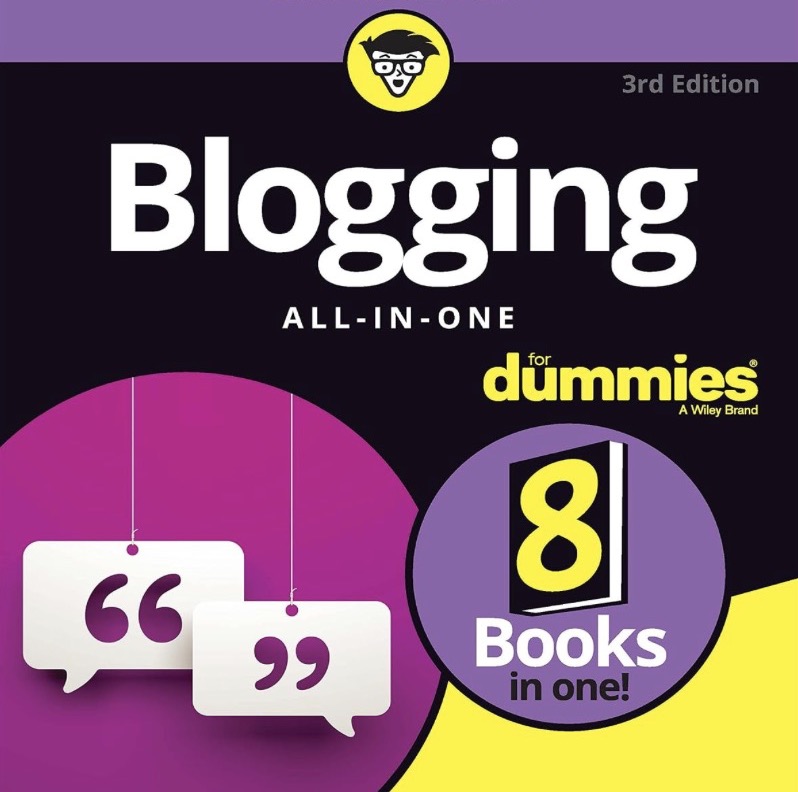
A Great Introduction To Power Blogging
Blogging All-In-One For Dummies Book
View on Amazon
#Ad
What Is RSS And Why Is It So Valuable To Content Publishers?
RSS is a free, automatic distribution channel that makes every new post you publish available to readers, aggregators, directories, and search crawlers starting the moment it goes live. Connect it once using the RSS feed directories list and every future blog post earns faster discovery, wider reach, and backlinks with no extra effort.What's The History Of RSS Syndication And Why Does It Matter More Than Ever Today?
RSS originated in 1999 at Netscape as a simple way to share news headlines between websites. It's use grew rapidly in the early blogging and podcasting era into a distribution pump and pipeline that has run reliably for over 25 years. It matters more than ever because search and social algorithms throttle your reach while a feed you own pushes every new post straight to readers, search engines, and AI bots. It's the whole idea behind the rssdirectories.com home page.What Is An XML Document And How Is An RSS Feed Structured?
An XML document is a plain-text file specification. Information is wrapped in labeled, nested tags. An RSS feed is one built around a channel container holding your site's title, link, and description, plus an item block for each post with its own title, link, summary, publication date, and unique ID.Think of an XML file this way: A parcel is scheduled for pickup. It's a shipping manifest - A document listing each of the items in the boxes to be delivered, who to, and where it was shipped from. That box might contain just a single item to be picked up - or include several items such as recent blog posts or several new podcast episodes for retrieval.
Because every new thing you post arrives in this tidy, predictable document structure - directories, readers, and search & AI crawlers can process it instantly. The kist of good books about RSS syndication show you how to hand-build an RSS feed manually step by step. However, your website builder app or podcast host normally creates it for you.
Who Curates The Active Directory List For Web And Podcast Feed Submissions, And Why?
I'm Russell T. Baer AKA MacGizmoGuy. I'm an independent web publisher who has been building websites since the dawn of the internet. I personally curate the web and podcast feed directories on this site for a short, current list of the best feed directories worth submitting to. You can learn more on the About Page.I welcome additions and corrections to the current lists of Blog and Podcast feed directories on my RSS Directory Contact Page.
How Can I Find Out About New RSS Directory Additions And Changes?
I add and update the Web Blog and Podcast directories listings frequently. Occasionally I'll do a blog post with a short insight on new and notable addition, so every change shows up first on the blog index page. Please bookmark this site and check back periodically. Also subscribe to my Blog Directory's RSS Feed in a feed reader app using this XML URL: https://rssdirectories.com/blog/files/feed.xml (<- Control Click To Copy) so you can keep up on which new sites and feed reader directories are worth submitting your own feeds to.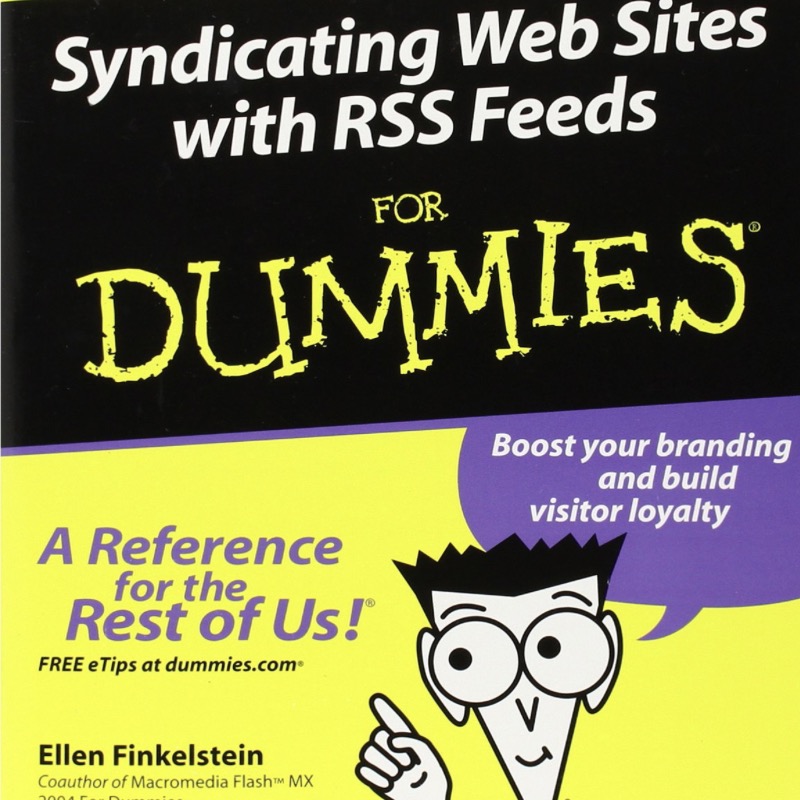
A Great Introduction To RSS Feed Syndication
Atom & RSS Feeds For Dummies Book
View on Amazon
#Ad
What Content And Destinations Can An RSS Feed URL Reach?
Your one feed URL carries blog posts, podcast episodes, and updates out to feed readers, news aggregators, podcast apps, directories, and both AI & Search crawlers. There are automation tools that can help repost your latest content to social social platforms or an email list. Submit it once to the best podcast feed directories and the other destinations covered in the podcast marketing strategies post, each new episode spreads everywhere automatically.How Do I Find Or Create My RSS Feed URL?
Most blogging platforms and site builders generate a valid XML feed automatically. Usually it is an address ending in /feed/, /rss.xml, or /feed.xml on your domain. Look for a feed icon or link displayed on your blog page that can be configured in your site settings. Once you have that feed URL, it's the master link that every directory, reader, and automation tool will use. The best books about XML will walk you through building one by hand if your platform does not create one for you.Can I Create An RSS Feed From Static Web Pages If I Don't Have A Blog?
Yes, you can write or generate an XML feed that lists your static pages as items. Many static site generators and free feed tools will build one for you. Note however, a feed of pages that never change has little long-term value, so the payoff comes when you edit add a new item to the XML file every time you publish.How Do I Check That My RSS Feed Works?
Paste your feed URL into a free online feed validator, such as the W3C Feed Validation Service, and it will flag any broken tags, bad dates, or formatting errors that would make directories and readers reject your feed. Validate before you submit anywhere, because a clean feed is the foundation that every later integration in the RSS feed directory blog post builds on.What Are The Most Common RSS Feed Mistakes?
The biggest mistakes are skipping validation, leaving out publication dates, using broken or relative links, and changing post URL slugs or Permalink IDs after a post has already been published. That may cause readers to see duplicate items. Avoid changing after the fact and your feed stays clean for every directory and reader.How Do I Submit My RSS Feed To Directories?
Submit your validated feed URL once to each directory through its submission form or account dashboard, usually supplying your site name, XML feed address, category, and a short description. The RSS feed directories list gives you a curated set of active RSS places to start, and each accepted listing can generate backlinks and a new discovery path for other posts.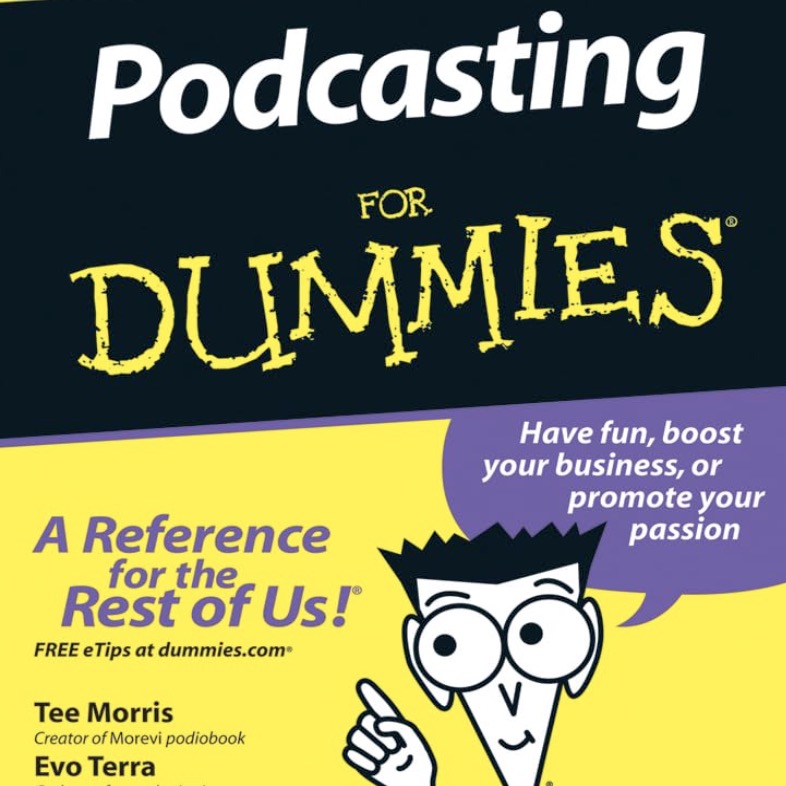
A Comprehensive Introduction To Podcasts
Podcasting For Dummies Book
View on Amazon
#Ad
What's The Difference Between Blog Web Feeds & Podcast Feeds?
A blog feed announces written posts, while a podcast feed uses the same RSS structure plus an XML enclosure tag that points to each episode's audio file. That's what podcast apps need to play it. Submit your podcast feed once to each of the best podcast feed directories, then use the podcast marketing strategies to leverage every episode into steady growth.Should My RSS Feed Show Full Posts Or Summaries?
Summaries pull readers back to your website where you can earn visits, ad views, and conversions. Full posts are more convenient for readers but easier for scrapers to copy. For most marketers, a short summary with a clear link to the full post is the best balance. The blog homepage shows how the posts on this site are previewed.What If News Aggregators & Scraper Sites Republish My Feed Content?
They will pick up your feed whether you like it or not, which can broaden your reach, create surprising backlinks, and lift your visibility. Some copies of your posts on an aggregator's site may outrank your original or be flagged as duplicate content. The benefits outweigh the risks. You may opt to publish a summary-style feed that links back to your full original post. Treat every republished copy as free exposure and back links that you wouldn't have otherwise gotten. Start from the rssdirectories.com home page to build a fully optimized feed ecosystem that makes it work for you.Can I Build An RSS Syndication Ecosystem For Free? What Tools & Services Would That Include?
Yes, free feed validators, free submissions to feed directories and Free-tier social automation scheduler accounts at apps like Buffer, Publer, Dlvr.It and Metricool can help distribute your latest content posts to a couple of your Web 2.0 and Social accounts. IFTTT and Zapier may let you set up 1 or 2 simple scripts to automatically trigger posting actions.Free Google Search Console and Bing Webmaster Tools accounts are essential. I also recommend installing code for StatCounter which can clearly show you which RSS directories and feed reader apps are sending traffic visits directly back to your website. Start submitting and working through the RSS Feed Directories list and the RSS feed syndication growth guide. Then, routinely check, observe, and track which directory submits are earning you reach and new backlinks.